Screenshot Saturday: Fullscreen Goodness #2

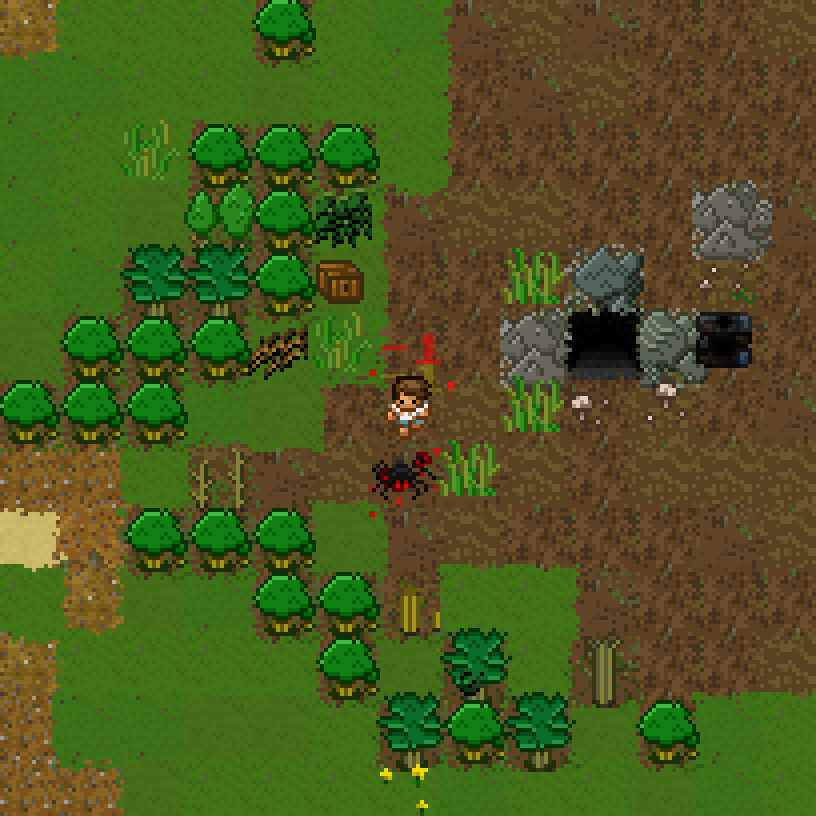
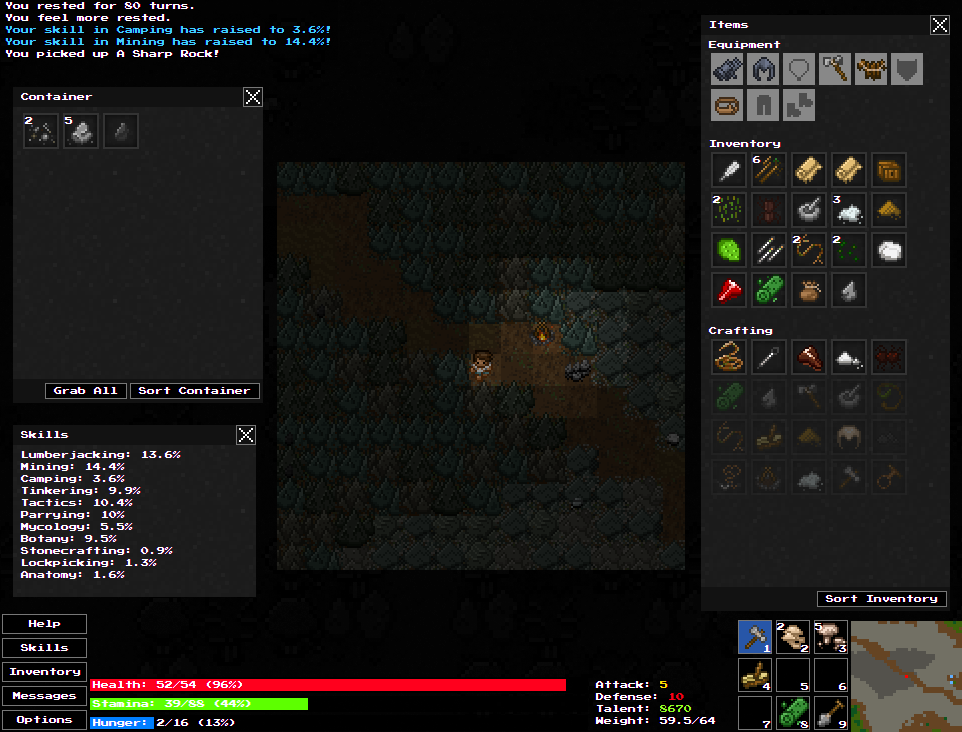
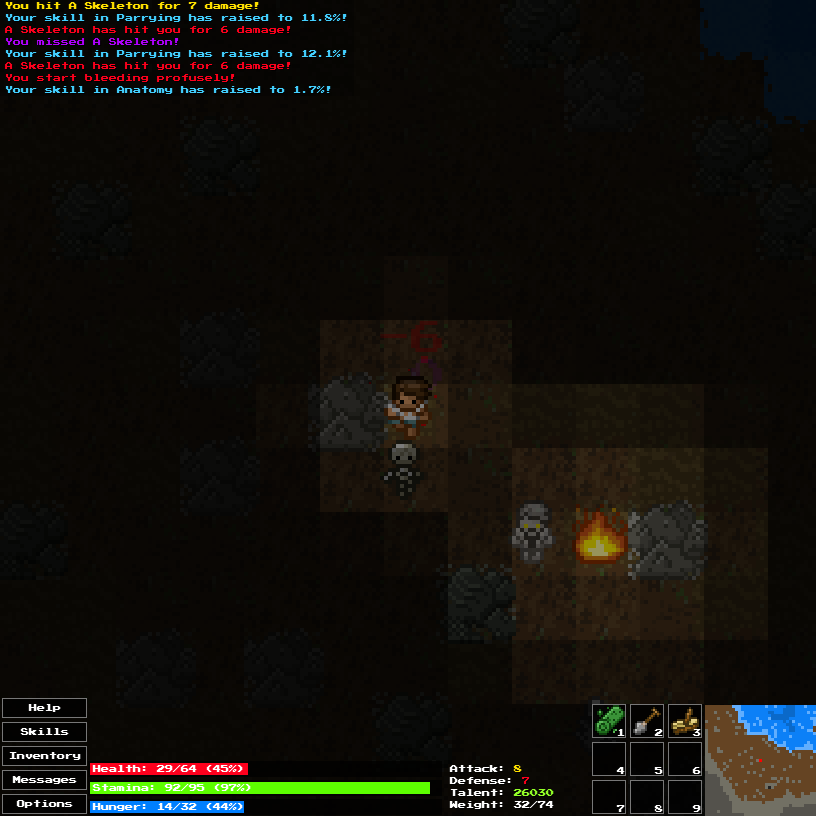
So, it looks like I am doing the whole Screenshot Saturday thingy again. Why not? This weekend we are bringing you a cool preview of the new fullscreen rendering system at work. Believe it or not, this actually runs (even at this size, 1920×1080) a lot better than 1.1 due to some major rendering performance changes. There will still be an option to render a smaller game window if you want, or you can just shrink your window/browser to dynamically scale it down. Also, if you recall, I tried to do this earlier in Wayward development but was SUPER SLOW, so it was cut.

Fullscreen Preview

Patchmode: Wayward Beta 1.1.1 Released

With Beta 1.1, the bug list grew quite big. This intermediate version is used as kind of like a “patch”. It doesn’t contain too many new features – just mostly bug fixes and small improvements.

As always you can check out the changelog here:
http://www.unlok.ca/wayward-free-changelog/

There is a couple take-away points though, such as:

  • Torch improvements! Torches now have more durability across the board. Torches can now be unlighted and lit once again without being destroyed. Torches now produce a larger radius of light in general. Nighttime and caves are now darker.
  • Swimming to the map edge/borders now places you on the opposite side of the overworld.
  • Hovering over a craft item will now visually show items in your Inventory/Equipment/Quickslots that it uses in the crafting recipe.

You can play it online in the normal place:
http://www.unlok.ca/wayward/

Downloads

Windows, Mac OS and Linux versions available on IndieDB:
http://www.indiedb.com/games/wayward/downloads

NOTE FOR DOWNLOADED VERSION: Your saved game location has now changed. This means, if you run 1.1.1 and have previously run 1.1, your save file will not be used. If you want to use your 1.1 save game in 1.1.1, you will have to manually move it to the new save location which resides in a folder called “save” where ever you extracted/installed Wayward. Depending on your operating system, the old save location is possibly in one of these places:

Windows Vista/7/8:
Users\<USERNAME>\AppData\Local\wayward

Windows XP:
Documents and Settings\<USERNAME>\Local Settings\wayward

Basically, just copy that folder into where you installed/extracted Wayward, and rename it to “save”.

Wayward Beta 1.1 Released!

Play it online here:
http://www.unlok.ca/wayward/

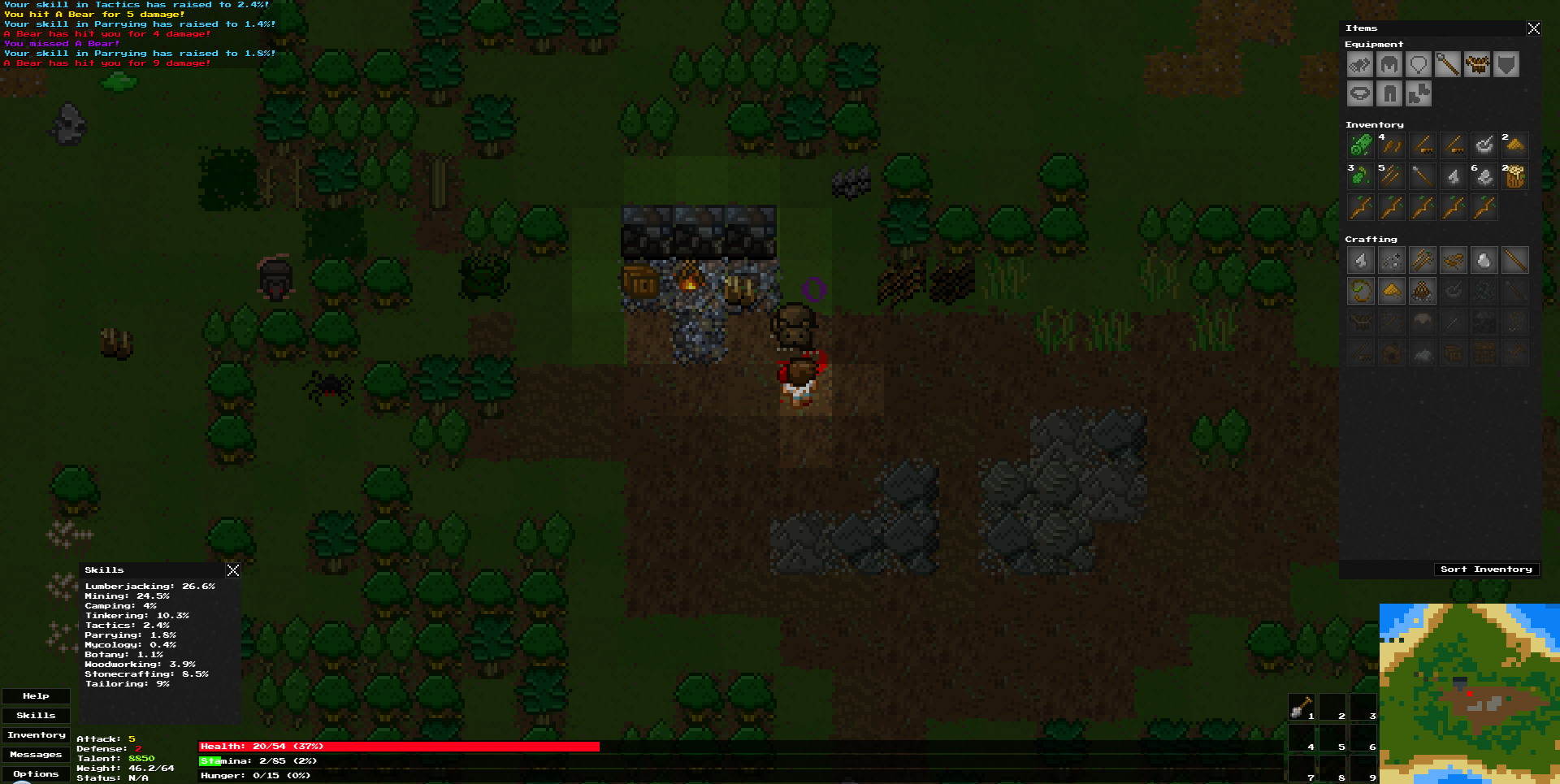
Remember when I said I wanted faster releases? Okay, I mean it this time! It’s just that there was a lot to do in this release, and to most of the users, it should show! Some of the biggest stuff includes:

  • Resource gathering has been overhauled to match this specification (mostly).
  • Preliminary modding support.
  • Caves have been overhauled to stop all those errors, cave-ins, and generally how crappy they were. You can now even dig into caves from above!
  • Non-unique items will now stack in your inventory.
  • New HUD/user interface and hinting/help system. This will be improved over time – it’s still fairly early.
  • Skills now describe their effects via tool-tip.
  • Containers now have a drag/drop interface.
  • Items on the ground now pick-up from reverse (or newest) order.
  • New Anatomy skill and bleeding system.
  • Much more!

See full changelog here:
http://www.unlok.ca/wayward-free-changelog/

Special shout-out goes to Richard “Orillian” Hobson for all the help in programming for this release. I’d also like to thank Garret, APXEOLOG, and essial for all their great input on coding stuff as well.